In short: Auto-sync continuously updates your Amazon FBA inventory to Shopify in a non-stop, cyclic loop. The moment every FBA SKU in your store finishes syncing, a new cycle starts immediately to keep your stock levels perpetually up-to-date.
How Auto-Sync Works
Unlike fixed-interval syncing, Auto-sync operates on a continuous, uninterrupted loop designed to handle large or fast-moving catalogs:
- Continuous Loop: In each cycle, Shipr syncs every single FBA SKU once. As soon as all products are synced, that cycle completes and a new cycle begins immediately.
- Dynamic Cycle Speed: The total time required to complete a full sync cycle depends on the total number of products in your store.
- Perpetual Accuracy: This continuous execution guarantees that your Shopify inventory levels remain consistently aligned with Amazon with minimal downtime.
How to Activate Auto-Sync
- Open the Shipr dashboard inside your Shopify Admin.
- Navigate to Settings > Sync.
- Select Activate Auto-sync.
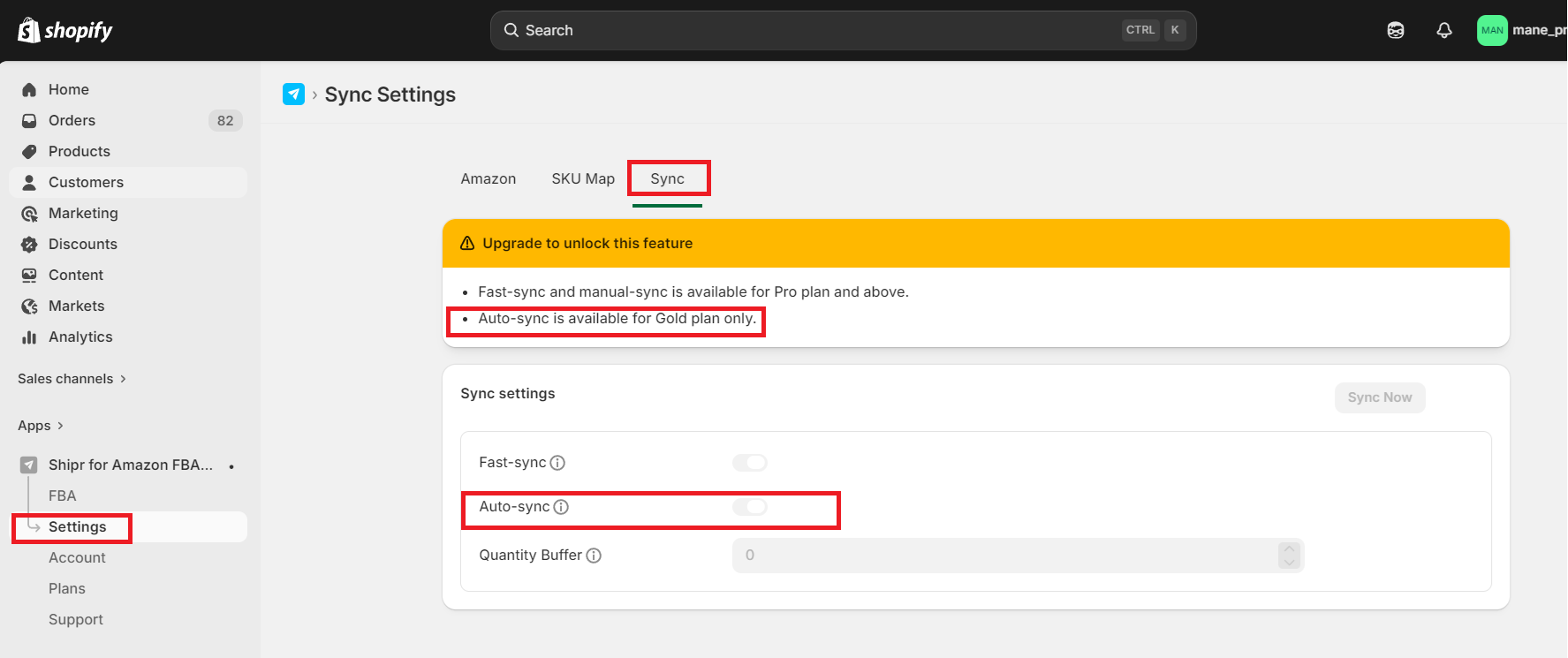
Plan Requirement: Auto-sync is available exclusively on the Gold Plan ($50/month). You will need to upgrade your plan if you are currently on a lower tier.