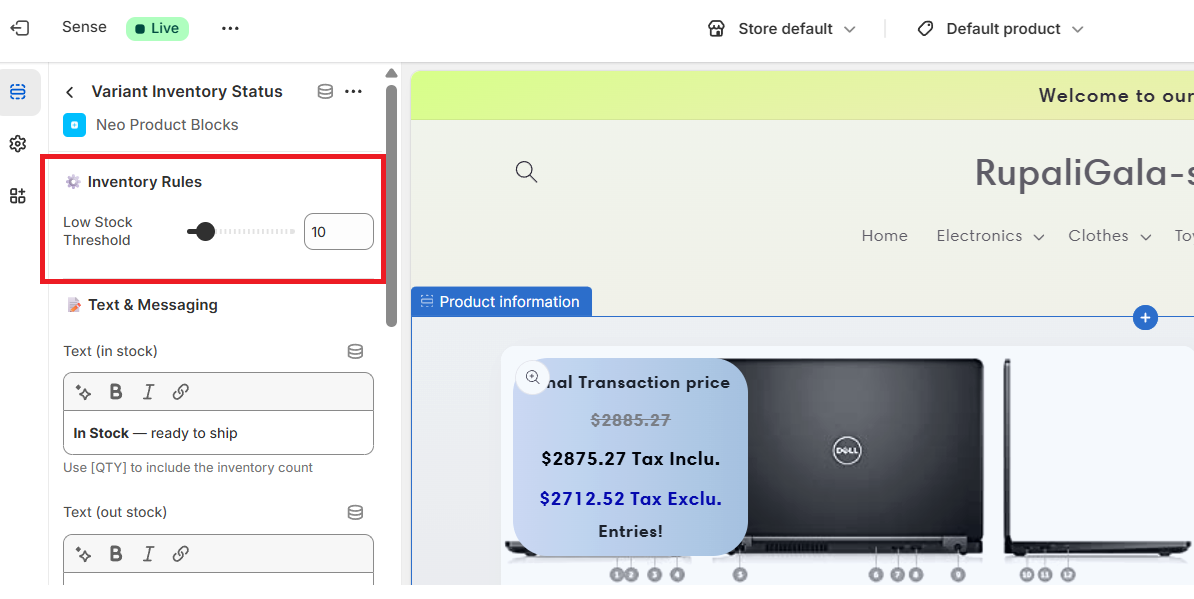
You can configure inventory threshold values directly from the Variant Inventory Status Block settings.
For example:
- 🔴 Out of Stock → Inventory count is 0
- 🟡 Low Stock → Inventory count is below 10
- 🟢 Ready to Ship → Inventory count is above 10
The block automatically checks the current inventory quantity of the selected variant and displays the appropriate status label.
This ensures customers always see accurate, variant-specific stock information in real time.