You can search and filter your orders for sending and printing invoices easily within Sleek.
1. Accessing Orders
- Open Sleek from the Apps section of your Shopify store.
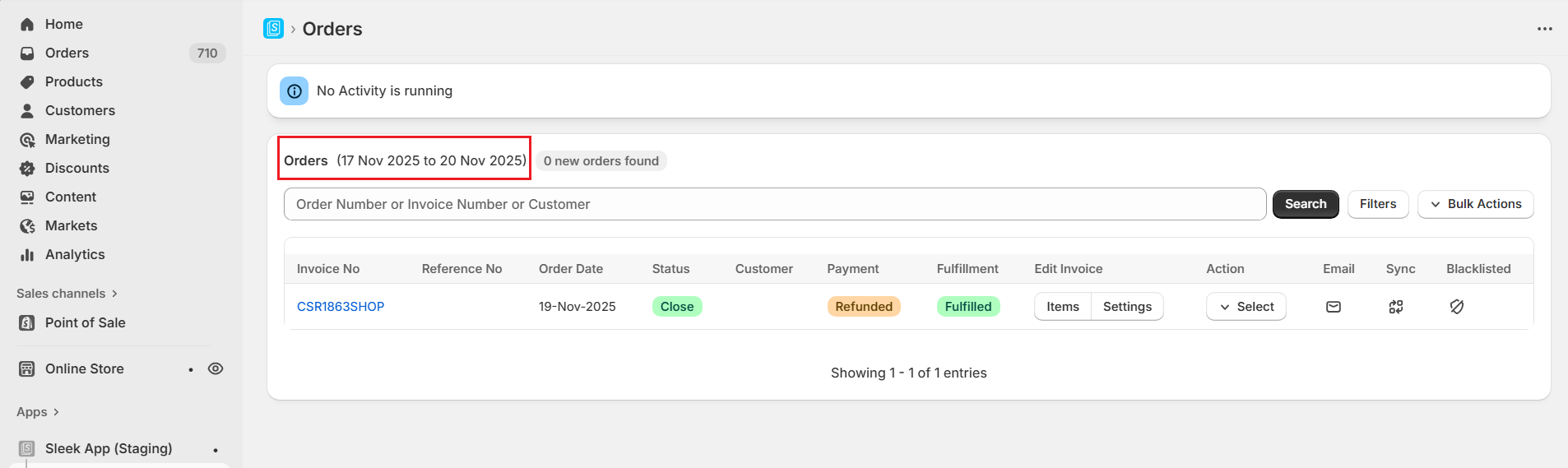
- By default, the orders from the last 3 days are displayed.
- Click “Orders” from the top menu to view all orders.
2. Search Orders
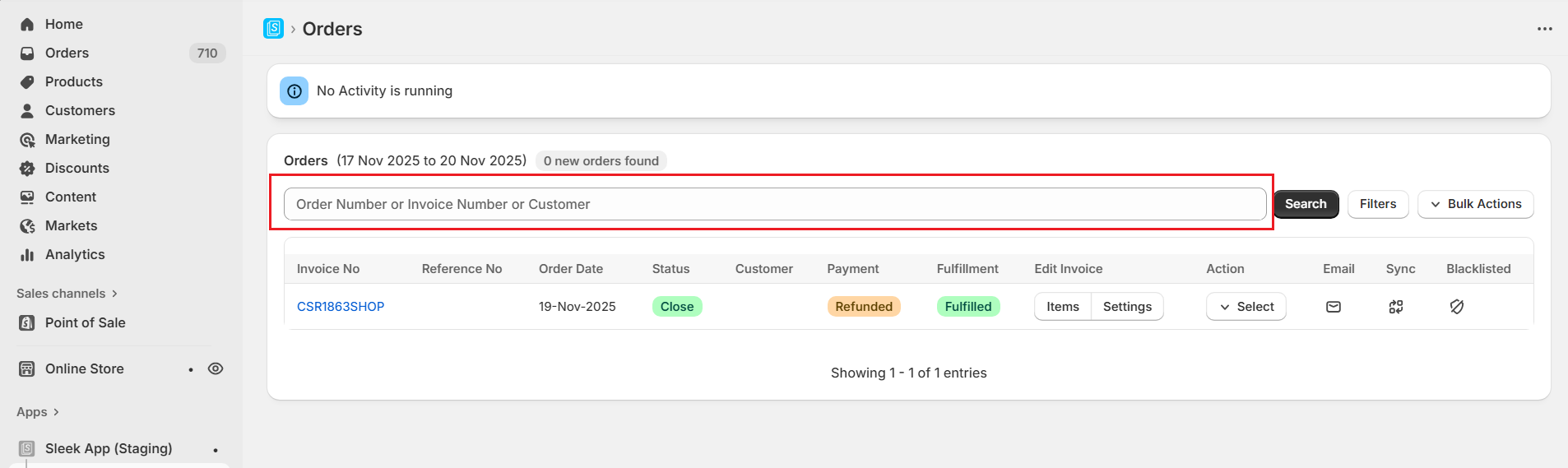
- Use the “Search Orders” section to find specific orders.
- Enter an Order Number, Invoice Number, or Customer Name and click Search.
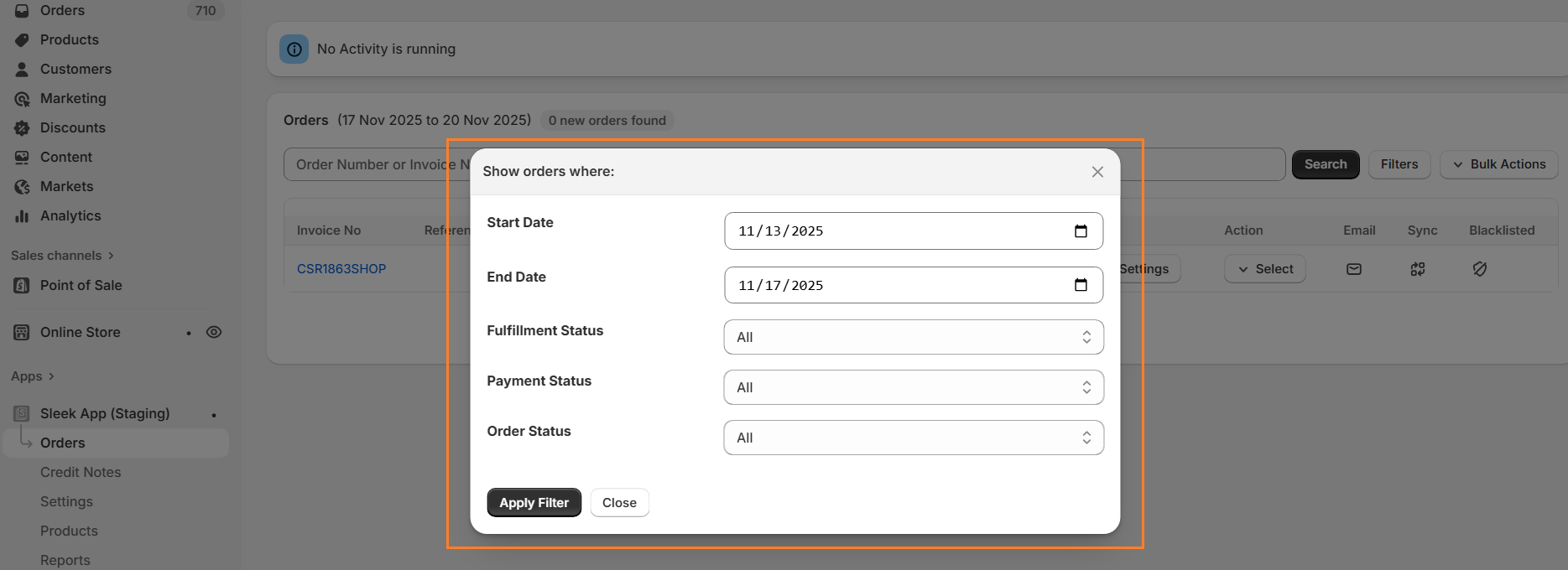
Additionally, click “Filters” next to the Search button to refine your search further: Order Start and End Date, Fulfillment Status, Payment Status, Order Status
Need help? contact [email protected]